
Account hacked? How to get back in and lock it down
If you can still sign in, you can usually fix this in ten minutes. If the password, email or phone number was changed, each service has an official recovery page, linked below. Do not pay anyone who offers to recover it for you: those offers are scams too.
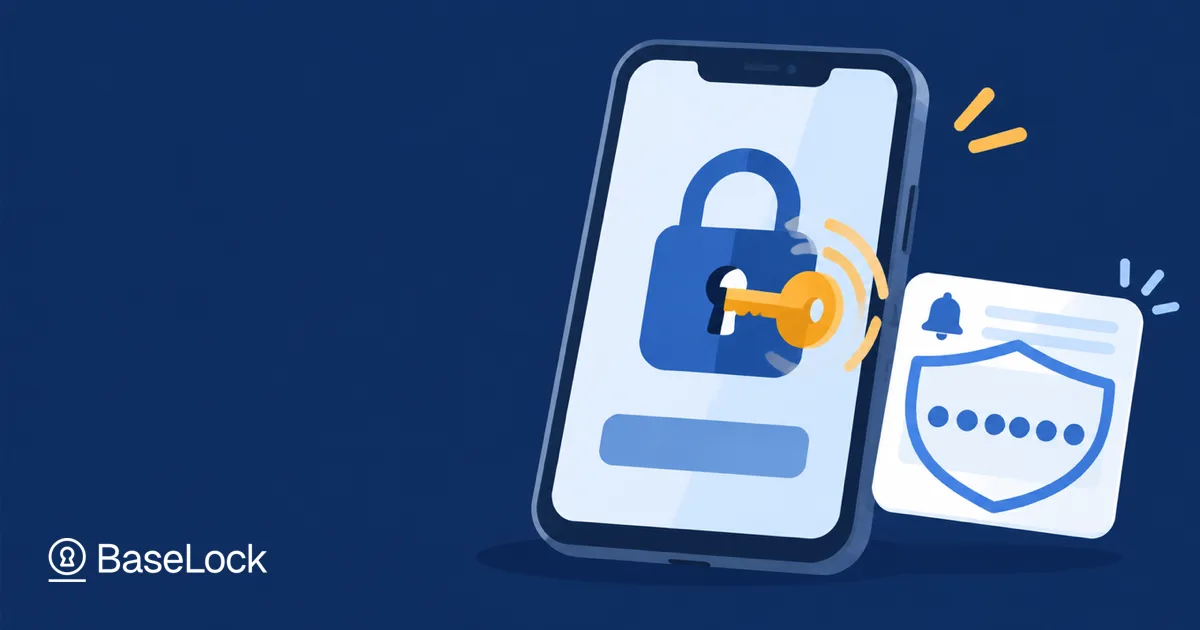
Got a verification code you did not ask for?
- Do not share it with anyone, ever. No company asks you to read a code back. A message saying "I sent you a code by mistake, please send it to me" is a scam to take over your account or set up a phone number in your name.
- One code is usually harmless. Someone may have typed your number or email by mistake. Several codes, or codes plus a password reset email, mean someone has your password and is trying the account.
- Change that account's password now from the app or site itself, not from a link in a message, and turn on two-step verification with an authenticator app or a passkey if the service offers one.
Get back in: the official recovery pages
- Instagram: go to instagram.com/hacked. It works even when the email and phone number were changed, and may ask for a video selfie to prove it is you.
- Facebook: go to facebook.com/hacked and follow the steps.
- Gmail or any Google Account: go to g.co/recover. Use a device and place you have signed in from before; Google trusts them more.
- Apple Account: go to iforgot.apple.com, or reset the password in Settings on an iPhone that is still signed in.
- Anything else: use the company's own help pages, reached by typing its address yourself. Never use a phone number from a search ad or a social media comment; recovery "helpers" there are scammers.
Once you are back in, lock it down
- Change the password to one you have never used anywhere else, then change it on any other account that shared it.
- Sign out every other session. Each service lists where you are signed in, usually under Security or Devices.
- Check the recovery email and phone number and put back your own if they were changed.
- Email: look for forwarding and filters. A hacker often adds a rule that copies or hides your mail. In Gmail, open Settings, See all settings, then Filters and Blocked Addresses, and Forwarding and POP/IMAP. Remove anything you did not set up.
- Remove connected apps you do not recognise in the account's security settings.
- Turn on two-step verification and save the backup codes somewhere safe. The FTC has a full checklist on recovering a hacked account.
- Warn your contacts if the hacker sent messages from you, especially requests for money or codes.
Questions people ask
Why did I receive a verification code without requesting it?
Someone typed your phone number or email into a sign-in or sign-up page, by mistake or on purpose. Do not share the code. If codes keep coming, change that account's password and turn on two-step verification.
Can Instagram give me my account back?
Yes, through instagram.com/hacked. It can recover an account even when the email and phone number were changed, usually by asking for a video selfie or a code sent to the original email.
Can my email be hacked without me knowing?
Yes. A hacker may read quietly or add a forwarding rule. Check the signed-in devices and the forwarding and filter settings, and change the password if anything looks wrong.
How do I tell if my Gmail was hacked?
Open your Google Account, then Security. Look at Your devices and Recent security activity, and in Gmail check Filters and Forwarding for rules you did not make.
Should I pay someone to recover my account?
No. People offering account recovery for a fee, especially in comments and direct messages, are scammers. Recovery through the official pages is free.
Hear about it when someone gets into your inbox
Connect Gmail, Outlook.com or iCloud Mail to Security Advisor, and it flags a new rule forwarding your mail or hiding mail from your bank, a sign someone else has been in. You can also text it what happened and get the next steps. 14 days free, then $19.99 a month plus tax.